Overview
LMAS creates an interactive HTML report, stored in the report/ folder in the directory where the workflow was executed.
To open the report simply click on the index.html file and the report will open on your default browser.
The JavaScript source code for the interactive report comes bundled with LMAS but is freely available at https://github.com/cimendes/lmas_report. It was built with the JavaScript frameworks React (https://reactjs.org/, version 16.8.0) and Material-UI (https://material-ui.com/, version 4.11.00). All interactive charts were rendered with the graph visualization library Plotly.js (https://plotly.com/javascript/, version 1.57.1) through its React component, react-plotly (https://plotly.com/javascript/react/, version 2.5.0).
On the top right corner there’s a direct link to LMAS source repository and documentation.
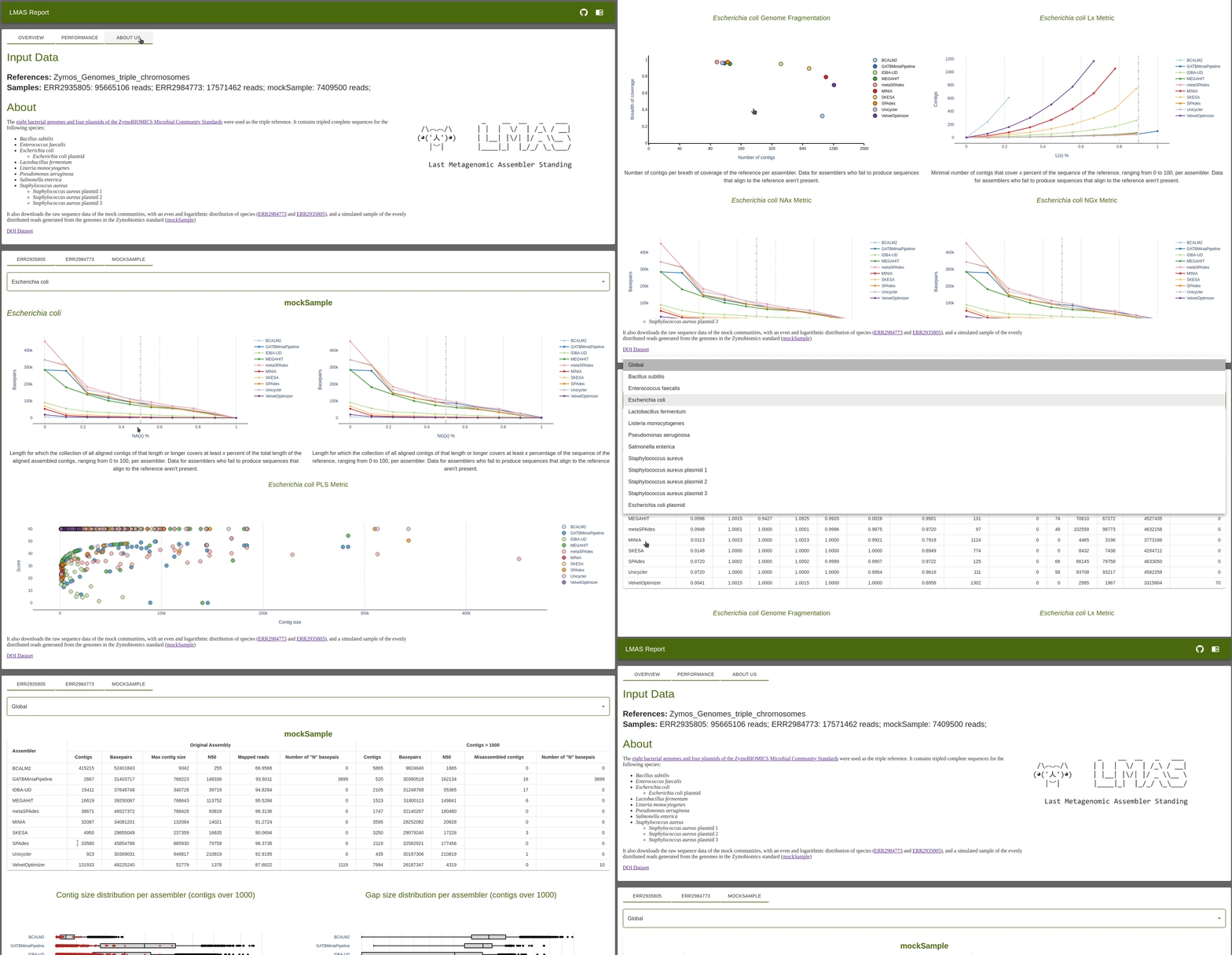
Report Overview
The top portion of the report contains information on the input samples and overall performance of the assemblers in LMAS. This is divided into three tabs:
Overview
Performance
About us
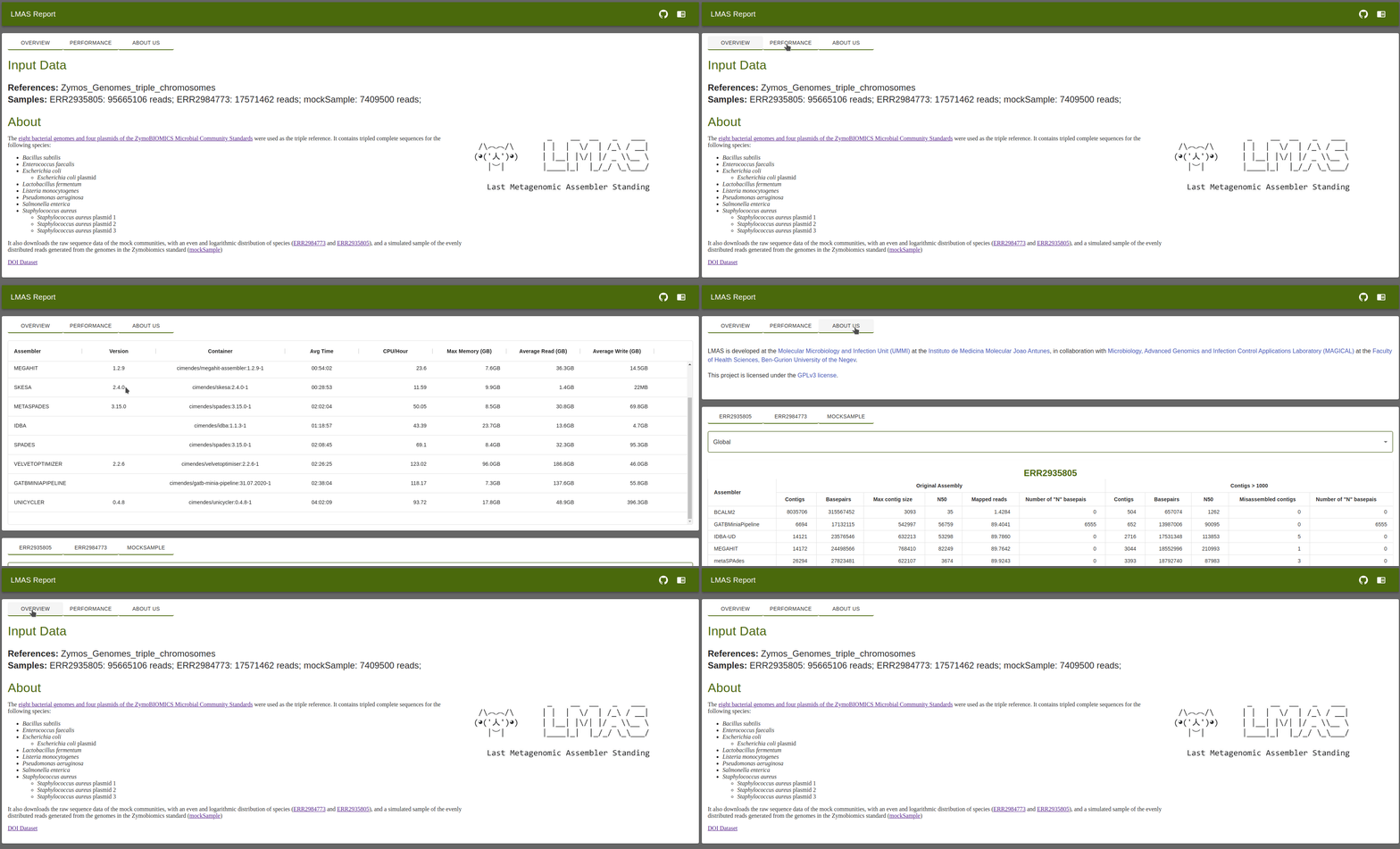
Overview
This is divided into two sections: Input Data and About.
The Input Data section presents the name of the file passed to the --reference parameter, the sample names of the short-read paired-end
raw sequencing files passed to the --fastq parameter, and the number of reads in each file.
The About section loads information about the samples used, in markdown, passed on to LMAS with the --md parameter. This is an
optional parameter so, if missing, no information will be presented.
Performance
This tab has a table with information on version, container used and performance metrics for each assembler in LMAS.
Assembler: Assembler name
Version: Version of the assembler used, obtained through the
--versionor-vflag. If no version is provided, the cell is left blank.Container: Container used in LMAS for the assemblers.
Avg Time: Average execution time to assemble the input samples.
CPU/Hour: Average amount of time the CPU was used by the Assembler
Max Memory (GB): Maximum amount of memory, in Gigabytes, used by the Assembler.
Average Read (GB): Average data read, in Gigabytes, by the Assembler.
Average Write (GB): Average data written, in Gigabytes, by the Assembler.
About Us
Contains information of LMAS development team.